Choosing the right tablet can be confusing for students, especially with so many models, screen sizes, processors, and price ranges. Two categories dominate the market today: Apple iPads and Android tablets. Both are excellent for study-related tasks—but they offer different strengths depending on your needs.
This detailed comparison will help you decide which tablet is the best fit for students in 2025.
Why Students Need a Tablet Today
Students now rely heavily on digital learning—PDFs, e-books, online classes, note-taking apps, digital planners, and educational platforms. A good tablet can:
- Replace physical notebooks
- Improve note-taking with a stylus
- Help access online classes anytime
- Allow reading and annotating textbooks
- Offer portability compared to laptops
- Support creative tasks like drawing & presentations
So let’s break down the biggest question…
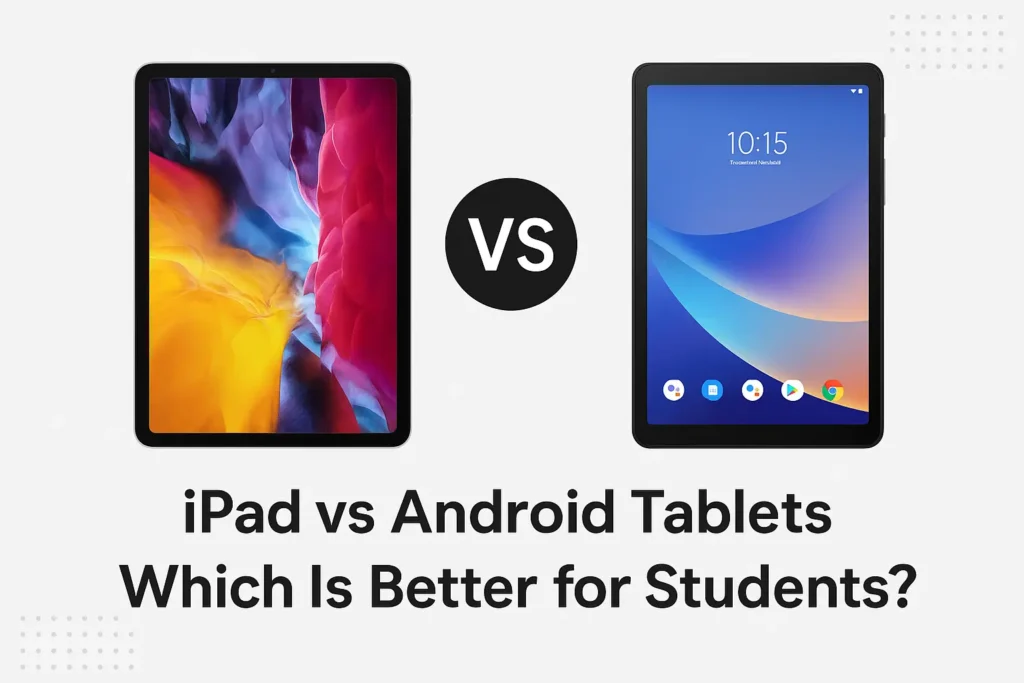
iPad vs Android Tablets: Which One Should Students Choose?
⭐ 1. Performance & Speed
iPad
Apple’s iPads are known for:
- Smooth and consistent performance
- Fast processors like the A-series and M-series chips
- Better graphics for creative and educational apps
- Minimal lag even after years of use
Apple’s hardware + software integration means iPads stay fast and reliable longer.
Android Tablets
Performance depends heavily on the brand and price:
- Premium models (Samsung Galaxy Tab, Lenovo Tab Extreme) perform extremely well
- Mid-range and budget Android tablets may lag over time
- App optimization varies across models
Winner: iPad — more consistent performance, longer lifespan.
⭐ 2. App Ecosystem & Optimization
iPadOS
iPads have:
- Better-optimized educational apps
- High-quality note-taking apps (GoodNotes, Notability, Freeform)
- Superior creative apps (Procreate, LumaFusion, Affinity Designer)
- More tablet-specific interfaces
Apps on iPad often feel more polished and professional.
Android
Android has:
- A wide variety of apps
- Great integration with Google services
- Many free alternatives
But many apps still feel like oversized phone apps, especially on cheaper tablets.
Winner: iPad — especially for note-taking, creativity, and productivity.
⭐ 3. Note-Taking & Stylus Support
iPad + Apple Pencil
- Extremely low latency
- Smooth writing experience close to pen & paper
- Supported by top-tier note-taking apps
- Great for students attending digital classes
Android Stylus Options
Many Android tablets support styluses like S Pen or USI pens.
- On premium tablets, experience is excellent
- On budget tablets, writing may feel slightly laggy
Winner: iPad, especially for students who prefer handwritten notes.
⭐ 4. Software Updates & Longevity
iPad
- 5–6 years of major updates
- Long-term app compatibility
- Better resale value
Android Tablets
- Update duration varies by brand
- Budget tablets may get limited updates
- Premium tablets offer longer support but still less than Apple
Winner: iPad for long-term use.
⭐ 5. Price & Affordability
iPad
- Higher starting price
- Accessories like Apple Pencil & keyboards cost extra
But the reliability and performance justify the price for many students.
Android Tablets
- Wide price range (budget to premium)
- More value-for-money options
- Expandable storage on many models
- Charger included in most packs (unlike iPad)
Winner: Android Tablets — best choice for tight budgets.
⭐ 6. Customisation & Flexibility
iPad
- Limited system-level customization
- No expandable storage
- USB-C is now available on new iPads, improving compatibility
Android
- Highly customizable interface
- Supports side-loading apps
- Expandable storage with microSD
- Multiple file management options
Winner: Android Tablets, especially for tech-savvy students.
⭐ 7. Ecosystem & Compatibility
iPad
Ideal if you already use:
- iPhone
- MacBook
- AirPods
- iCloud
Apple devices work seamlessly together:
- AirDrop
- Handoff
- Universal clipboard
- iMessage & FaceTime
Android Tablets
Perfect for users relying on:
- Google services
- Android smartphones
- Windows PCs
Android tablets easily connect to multiple ecosystems.
Winner: Tie — depends on what devices you already own.
🎒 Which Tablet Is Best for Students? (Use Case Based)
1. For Note-Taking, Reading, Studying
→ iPad
Best apps, smooth stylus, long-term reliability.
2. For Tight Budgets
→ Android Tablet
More affordable options, good for basic educational needs.
3. For Creative Students (Art, Editing, Design)
→ iPad
Superior creative apps & stylus performance.
4. For Entertainment + Study Mix
→ Android Tablet
Better value for watching videos, browsing, light note-taking.
5. For Students Already Using an iPhone or Mac
→ iPad
Ecosystem integration provides huge advantages.
6. For Students Needing Flexibility & Storage Expansion
→ Android Tablet
Perfect for those who download lots of files or want customization.
🏆 Final Verdict: iPad vs Android Tablets — Which Is Better for Students?
Both tablets have their strengths, but the right choice depends on what you value most.
Choose an iPad if you want:
- Smooth performance for years
- Best note-taking and study apps
- Top-tier stylus experience
- Creative work support
- Long-term updates and stability
Choose an Android Tablet if you want:
- An affordable study device
- Expandable storage & flexibility
- Customization and freedom
- Good enough performance for reading, lectures & browsing
Bottom Line:
👉 iPad is the best choice for serious students who want performance, longevity, and top-quality learning tools.
👉 Android tablets are best for budget-conscious students who need a capable device without spending too much.